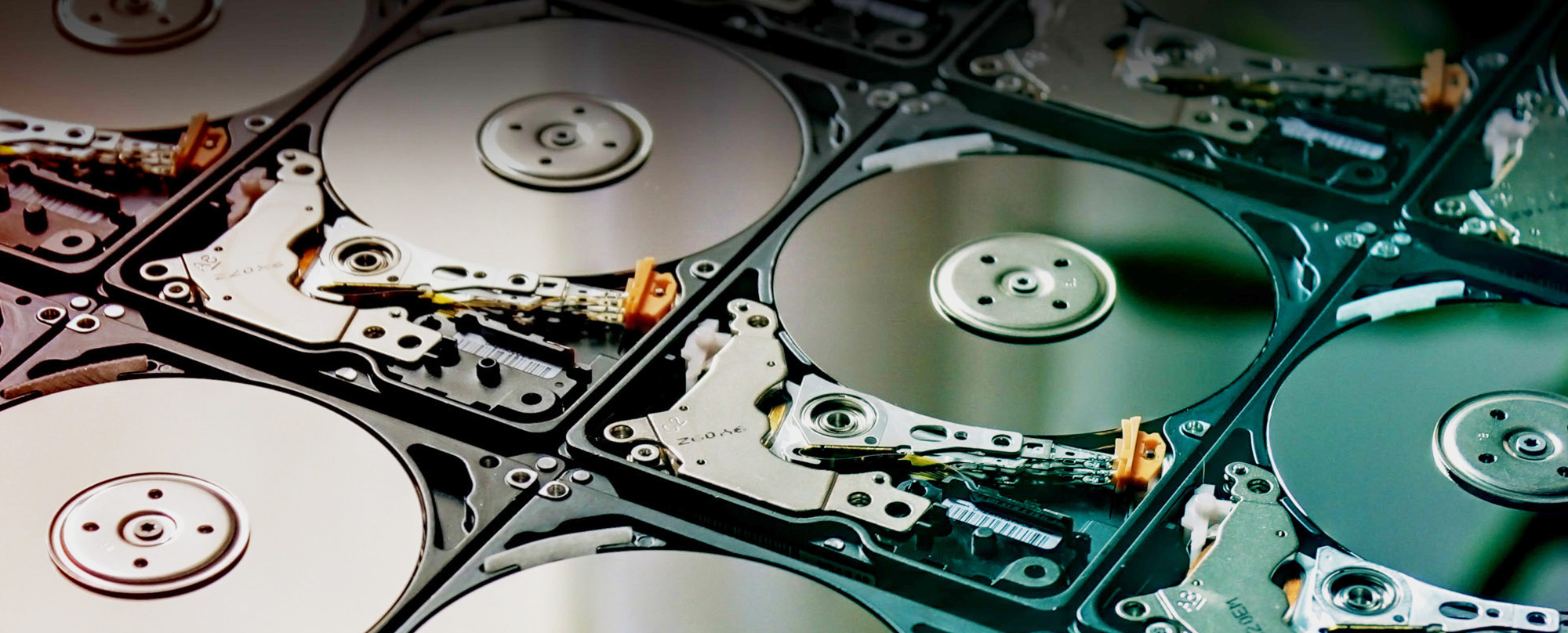

How Can I Destroy a Hard Drive?
Destroying a hard drive means physically damaging it so the data cannot be recovered. This can be done by drilling, crushing, or shredding the drive, with professional destruction being the most secure method. In today’s digital world, hard drives store a huge amount of personal and business information – from financial records and customer data to photos, emails and system files. When it comes time to get rid of an old computer or storage device, many people ask: how can I destroy a hard drive? Others ask how do you destroy a hard drive safely without risking data recovery. Simple deletion or formatting is not enough. Data can remain on a drive long after you think it is gone, and even reformatting may leave information recoverable by someone with the right tools. Professional destruction is the only reliable way to make sure your data cannot be accessed again.
Before diving into the process, it is important to understand what a hard drive actually does. Traditional spinning hard disk drives (HDDs) and solid-state drives (SSDs) both retain huge amounts of data physically on internal components. Even if you delete all files or wipe the drive using software, remnants of that data can remain and be reassembled with specialist recovery tools – a concept known as data remanence. Simply dragging files to the trash or using basic erase commands does not make the data irretrievable. This makes DIY destruction methods – like smashing, drilling holes, or hitting with a hammer – risky and usually ineffective unless you know exactly what you are doing and have the right safety precautions.
So, how can you destroy a hard drive in a way that genuinely protects your information? The most secure methods involve either professional sanitisation or physical destruction. Sanitisation can mean overwriting the data completely so that nothing remains, while physical destruction breaks the drive down to the point where no readable component remains. Effective destruction needs more than surface-level damage – it needs to ensure that every part of the storage medium is rendered unusable and unreadable by anyone else.
The safest way to destroy a hard drive is to physically shred, crush or professionally destroy the drive so the data cannot be recovered. For personal use, drilling or damaging the platters may help, but for businesses, a professional hard drive destruction service is usually the most secure option because it provides a clear destruction process and evidence for compliance.
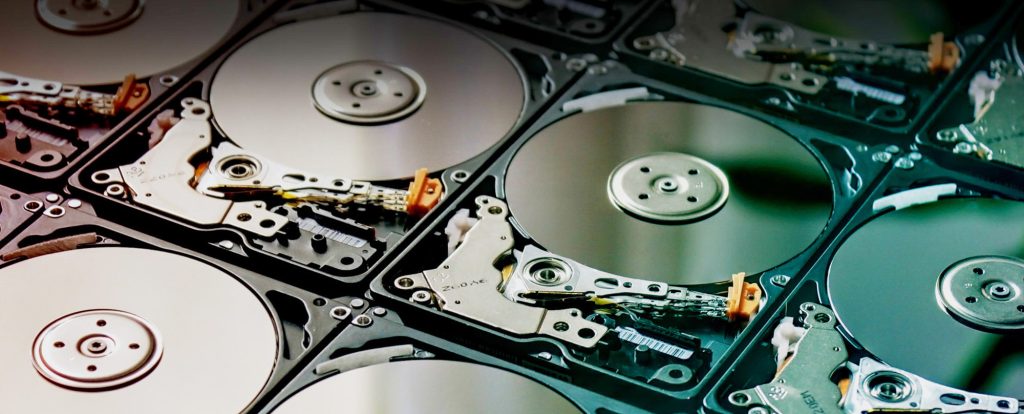
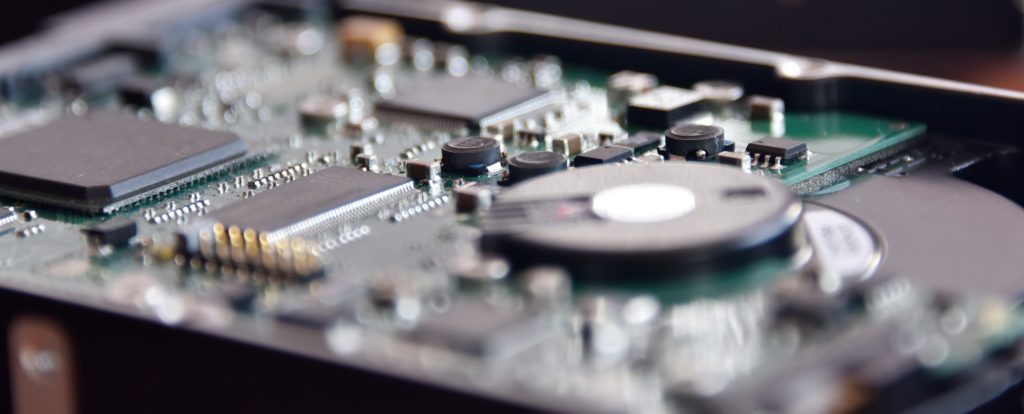
Common Ways to Destroy a Hard Drive
If you are wondering how to destroy a hard drive, there are several methods available. Some can be done manually, while others require specialist equipment. Understanding the differences helps you choose the safest and most effective option for your data, whether you want to destroy a hard drive yourself or use a professional service.
Drilling
Drilling through a hard drive is a common DIY method. By puncturing the casing and internal platters, you can damage the structure of the drive. However, this method does not always guarantee complete data destruction if not done thoroughly.
Hammering
Using a hammer to physically break a hard drive can damage internal components. While this may seem effective, it can be inconsistent and may leave parts of the drive intact, meaning some data could still be recoverable.
Degaussing
Degaussing uses a strong magnetic field to disrupt the data stored on a hard drive. This method is effective for certain types of drives but requires specialist equipment and is not suitable for all modern storage devices.
Data Wiping
Data wiping uses software to overwrite the information on a drive multiple times. While this can be effective for some situations, it does not physically destroy the drive and may not meet compliance requirements for highly sensitive data.
Physical Crushing
Crushing a hard drive applies force to break internal components. This method can damage the drive significantly, but like other DIY approaches, it may not fully eliminate the risk of data recovery without specialist equipment.
Professional Shredding
Professional hard drive shredding is the most secure method. The drive is physically broken down into small fragments using industrial machinery, ensuring that all data is completely destroyed and cannot be recovered.
While some methods can be carried out manually, professional destruction provides the highest level of security and consistency, especially when dealing with sensitive or business-critical data.
How to Destroy a Hard Drive Safely
If you are looking for how to destroy a hard drive safely, it is important to follow a structured process. Simply damaging the outside of the drive is not enough. The goal is to make the internal components unusable so that data cannot be recovered.
1. Remove the Hard Drive
Start by removing the hard drive from your computer or device. This allows you to access the unit safely and ensures you are working directly on the component that stores the data.
2. Disconnect All Power
Make sure the device is fully powered off and disconnected before handling the hard drive. This reduces the risk of injury and prevents any electrical issues during the process.
3. Open the Casing
Use the appropriate tools to open the hard drive casing. Inside, you will find the platters which store the data. Accessing these components is essential for proper destruction.
4. Damage the Platters
Physically damage the internal platters by scratching, bending, drilling or breaking them. This is the most important step, as the platters are where the data is actually stored.
5. Break Remaining Components
Once the platters are damaged, break the rest of the drive components to ensure nothing remains intact. This helps reduce the chance of any data being recovered.
6. Dispose of Materials Safely
Dispose of the destroyed hard drive responsibly, ideally through a recycling service. For complete security and compliance, professional hard drive destruction is the most reliable option.
While these steps can help with basic destruction, professional services provide the highest level of security by ensuring all data is permanently destroyed and handled in line with compliance requirements.
Other Considerations About How to Destroy a Hard Drive
One recognised approach for sanitising data is to overwrite the drive with random patterns or zeroes multiple times. Some software tools exist for this purpose, and they may be suitable if you plan to repurpose the drive or reinstall it for further use. However, even with software overwriting, there is still a chance that hidden or protected parts of the drive retain fragments of data unless the process is performed according to strict standards. For most individuals and businesses, the highest level of assurance comes from physical destruction. This is where the drive is decommissioned and broken down so thoroughly that it can never be reassembled or accessed again. Industrial methods include shredding or crushing, which pulverise the drive into tiny fragments. Professional providers use specialised machinery designed for secure media destruction. This is far more reliable than household methods – it minimises the risk of injury to yourself and maximises the difficulty of data recovery.
That leads to a key point: you do not need to worry about how to destroy a hard drive yourself – you can trust Scietech to handle it. Scietech offers media storage and disposal services that include a secure hard drive disposal process and destruction of storage media such as hard drives. Their process takes into account the specific requirements of different types of media, ensuring that each device is processed using appropriate methods — whether that is sanitisation, degaussing or complete physical destruction. Scietech’s approach is designed to give you confidence that your data is being dealt with responsibly and securely. Choosing a professional service has several advantages over trying to destroy a hard drive on your own.
First and foremost, you benefit from expertise and equipment designed specifically for secure data destruction. Industrial shredders and destruction tools are engineered to make data recovery impossible. Attempting DIY physical destruction at home — whether by drilling holes or smashing with improvised tools – often fails to fully destroy all data and can be dangerous. You also avoid risks like flying metal shards, toxic dust, or injury that can happen when trying to tackle hardware destruction without proper gear. If you need guaranteed destruction, our secure hard drive disposal service ensures complete data protection.
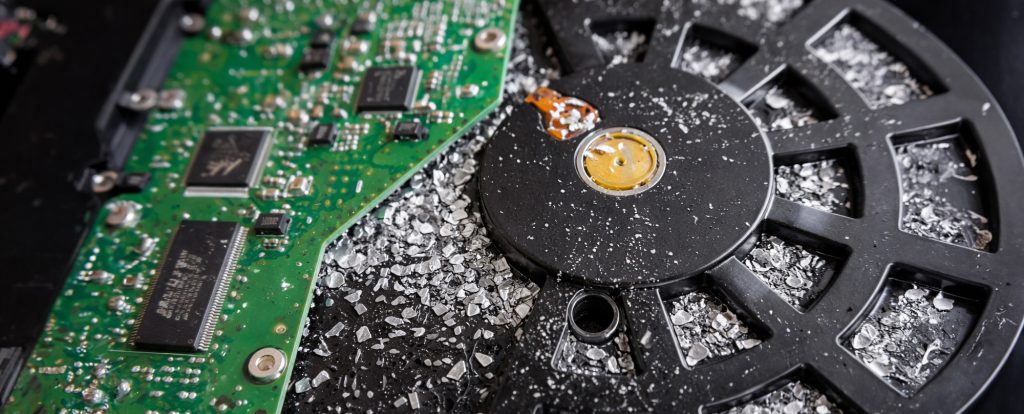
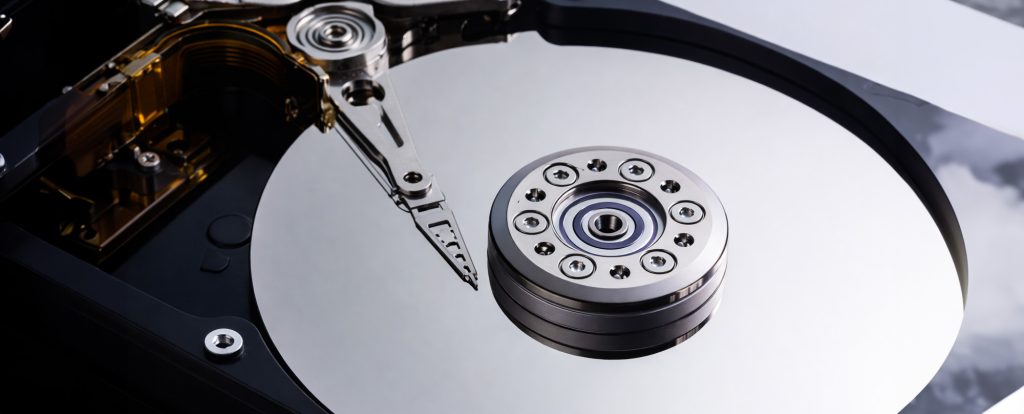
How Can I Destroy a Hard Drive – Why Scietech is the Ideal Place
Another important advantage of using a trusted provider like Scietech is documentation and compliance support. Many industries have regulations around data protection, retention and destruction. Professional hard drive destruction services can provide certification that proves the media was destroyed securely – useful if you ever need to demonstrate compliance for audits, legal requirements or internal policies. Having this formal evidence can be especially reassuring for businesses that handle sensitive client or employee data. Professional services also help you manage the entire disposition process — from safe collection and handling of your devices to certified destruction and, if required, hard drive recycling of the materials afterward. This comprehensive approach reduces the burden on you and ensures that devices are not just destroyed, but also responsibly disposed of in an environmentally-conscious way. Find out more about hard drive recycling.
In summary, if you find yourself asking “how can I destroy a hard drive?” the smart answer is to recognise that secure destruction is more than simply damaging the device at home. Data security is too important to rely on improvised methods. Professional services like those offered by Scietech are designed to take the guesswork out of the process. They provide a secure, reliable hard drive destruction service that helps protect your information from being accessed after disposal. Instead of worrying about the specifics of how to destroy a hard drive yourself, you can trust Scietech to manage the process with appropriate methods, safe handling and peace of mind. Your data – and your security – deserves nothing less. Get in touch now.
Best Ways To Destroy A Hard Drive
There are several ways to destroy a hard drive, ranging from DIY methods to professional destruction services. Some approaches can reduce the risk of data recovery, while others are designed to completely eliminate it. The most suitable method depends on the sensitivity of the information stored on the drive and whether you require proof of destruction.
Professional Hard Drive Shredding
Professional hard drive shredding is widely regarded as the most secure destruction method. Industrial shredding equipment breaks drives into small fragments, making data recovery impossible. This approach is commonly used by businesses, organisations and public sector bodies handling confidential information.
Physical Crushing
Hard drive crushing uses specialist equipment to apply extreme force to the drive, damaging internal components beyond use. While highly effective, the process should be carried out using purpose-built machinery rather than improvised methods to ensure consistent results.
Drilling
Drilling through a hard drive damages the platters where data is stored. Although often used as a DIY solution, it can leave sections of the drive intact if not performed thoroughly. As a result, drilling is generally considered less reliable than professional destruction methods.
Degaussing
Degaussing uses powerful magnetic fields to disrupt and erase data stored on traditional hard disk drives. The process renders the drive unusable and can be highly effective, although it requires specialist equipment and is not suitable for all storage technologies.
Data Wiping & Software Erasure
Data wiping involves overwriting information on a hard drive using specialist software. While this can prevent data recovery when completed correctly, the drive itself remains intact. For highly sensitive information, organisations often combine data wiping with physical destruction for additional security.
Removing & Destroying The Platters
Traditional hard drives store information on internal platters. Removing these platters and physically damaging them can make data recovery extremely difficult. However, the process can be time-consuming and requires careful handling, particularly when compared with professional shredding services.
For businesses handling confidential information, professional hard drive destruction remains the most secure and reliable option. It provides complete physical destruction, reduces the risk of data breaches and offers reassurance that sensitive information cannot be recovered.
FAQ’S
How do you destroy a hard drive properly?
To destroy a hard drive properly, the internal components need to be damaged so the data cannot be recovered. Professional shredding is the most secure option because it physically breaks the drive into small fragments.
Is deleting files enough before disposing of a hard drive?
No. Deleting files or formatting a hard drive does not always remove the data completely. Specialist recovery software may still be able to access information unless the drive is securely wiped or physically destroyed.
Can I destroy a hard drive with a hammer?
A hammer can damage a hard drive, but it may not destroy every data-holding component properly. It can also be unsafe due to sharp fragments, so professional destruction is usually safer and more reliable.
Is drilling through a hard drive enough?
Drilling can damage the drive, but it depends where and how thoroughly it is done. If parts of the platter remain intact, some data could still potentially be recovered.
What is the safest way to destroy a hard drive?
The safest and most secure method is professional hard drive shredding. The drive is destroyed using specialist equipment, ensuring the data cannot be reconstructed or recovered.
How to dispose of hdd devices safely?
The safest way to dispose of HDD devices is through a secure hard drive disposal service that ensures the data is destroyed before the remaining materials are recycled or processed responsibly.
Can hard drives be recycled after destruction?
Yes. Once the hard drive has been securely destroyed, the remaining materials can be responsibly recycled. This helps protect your data while reducing electronic waste.
Hard Drive Destruction Method Comparison
Different hard drive destruction methods offer different levels of security. The table below compares common options and helps explain which methods are most suitable for personal or business use.
| Method | Best For | Security Level | Suitable For Businesses? |
|---|---|---|---|
| Drilling | Home users | Medium | No |
| Hammering / Crushing | Home users | Medium | No |
| Data Wiping | Reuse or resale | Medium to high | Sometimes |
| Degaussing | HDDs | High | Yes |
| Shredding | Sensitive data | Very high | Yes |